
 Lysander Voss
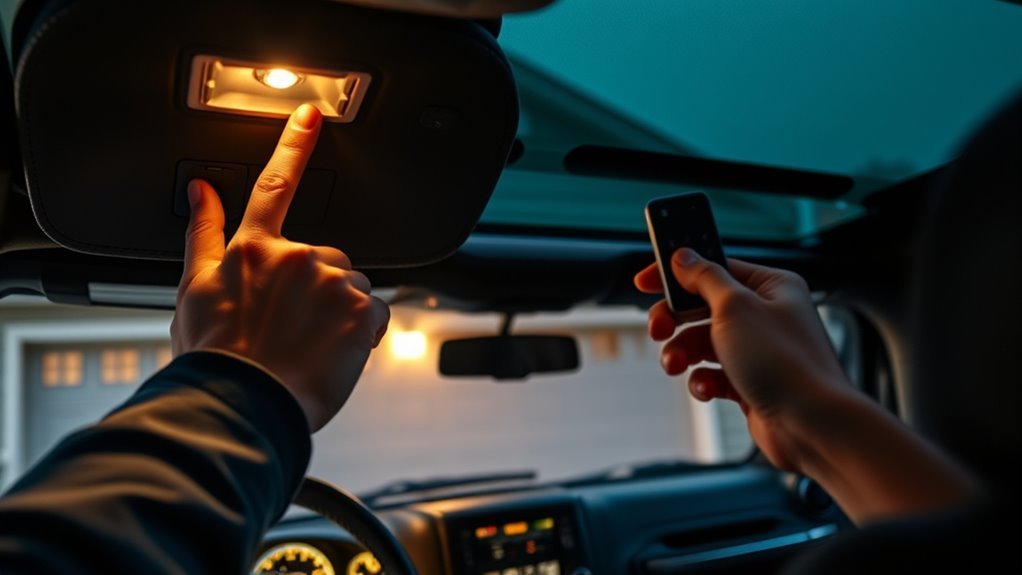
To program your garage door opener to your Jeep Wrangler, start by parking outdoors and ensuring your remote has a fresh battery. Activate the ignition to “On” and clear existing HomeLink settings by holding the first and third buttons until the indicator light flashes rapidly. Then, bring your Genie remote close to the HomeLink button and follow the programming steps for your model. If you encounter issues, there are solutions available to help you succeed.
Understanding HomeLink and Car2U Systems
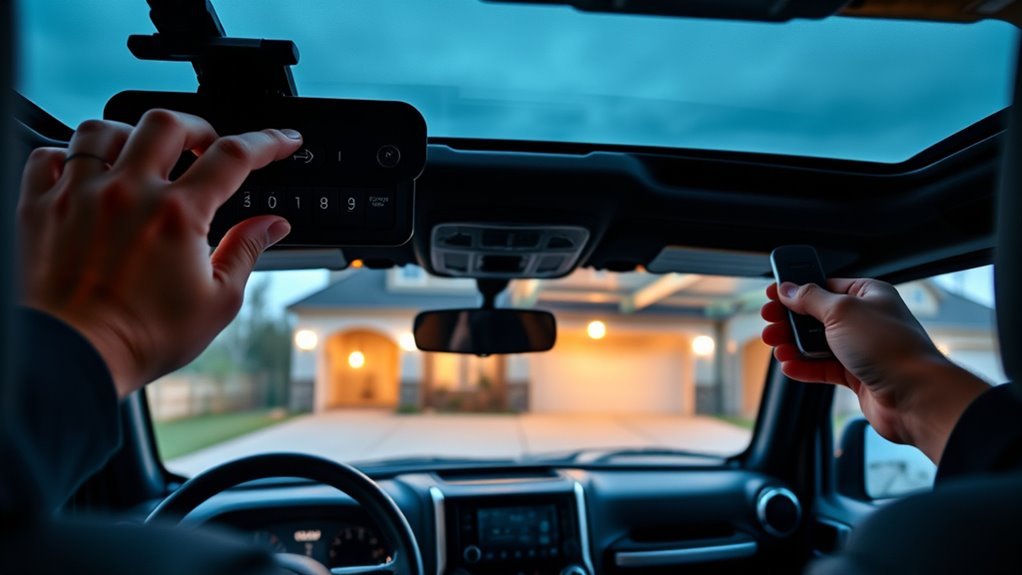
When you want to operate your garage door from your Jeep Wrangler, understanding the HomeLink and Car2U systems is essential. HomeLink features a direct connection to your vehicle’s electrical system, meaning you won’t need batteries, simplifying your setup. It allows for seamless programming with compatible garage door openers, including popular models like Genie and LiftMaster.
On the other hand, Car2U offers significant advantages, including three LEDs that provide clear status indications, making it user-friendly. Both systems require specific programming steps, including clearing existing codes and syncing with a handheld remote. While customer feedback often praises the effectiveness of the programming instructions, some users note compatibility issues with older openers or specific vehicle models. By grasping these systems, you can liberate yourself from fumbling for remotes, enhancing your convenience and efficiency every time you return home.
Prepare Your Jeep for Programming
To begin programming your garage door opener, first confirm your Jeep Wrangler is parked outside the garage, providing a clear line of sight for the programming process. Next, verify your handheld garage door remote has a new battery; this is vital for peak performance. Your Jeep’s ignition should be in the “On” position, but don’t start the engine—this activates the HomeLink system. Familiarize yourself with the HomeLink buttons, typically located on the visor or ceiling above the center console, so they’re easily accessible during programming. Having your garage door opener’s manual handy is essential, as it contains specific programming instructions and compatibility information. With these preparations, you’ll guarantee your vehicle readiness for the task ahead, making the programming process smoother and more efficient. Gather your programming tools and get ready to enjoy the convenience of your integrated garage door system.
Common Pitfalls When Programming Your Opener
When programming your garage door opener, it’s easy to make common mistakes that can hinder the process. Ignoring compatibility issues between your opener and Jeep can lead to unnecessary frustration. Additionally, not following the correct programming steps may result in failed attempts to sync your devices.
Common Mistakes Made
Many people overlook key steps when programming their garage door opener to a Jeep Wrangler, which can lead to unnecessary frustration. One common mistake is failing to clear the HomeLink settings properly; make sure to hold the correct buttons until the LED blinks. Also, programming inside the garage can cause interference, so park outside first. Don’t forget to check the battery health of your handheld remote; a weak battery can hinder pairing. After initial programming, remember to press the HomeLink button multiple times to establish a connection. By recognizing these pitfalls, you can fully utilize the HomeLink advantages and streamline remote troubleshooting, ensuring a smooth and efficient programming experience.
Ignoring Compatibility Issues
Ignoring compatibility issues can lead to significant setbacks when programming your garage door opener to your Jeep Wrangler. Make sure your opener is compatible with HomeLink, as older models often face frequency challenges with newer vehicles. Familiarize yourself with the specific programming steps required by your opener’s manufacturer, such as holding down the learn code button. Outdated firmware can also hinder performance, so check for any available updates. Additionally, note that the button colors on older openers might affect pairing success; consult your manual for details. If you run into persistent issues, don’t hesitate to contact your opener’s customer service for insights on compatibility and programming alternatives. Being proactive here can save you time and frustration.
Incorrect Programming Steps
To successfully program your garage door opener to your Jeep Wrangler, it’s crucial to avoid common pitfalls that can derail the process. Here are some frequent mistakes to watch out for:
| Common Mistake | Impact on Programming | Solution |
|---|---|---|
| Forgetting to clear HomeLink settings | Blocks successful pairing | Hold the first and third buttons until the LED blinks. |
| Remote too far during training | Leads to signal interference | Keep the handheld remote close to HomeLink. |
| Old battery in transmitter | Reduces signal strength | Replace with a new battery before starting. |
| Ignoring compatibility issues | Causes frustration and failure | Verify compatibility of your opener model. |
| Not following rolling code steps | Results in operational issues | Press the HomeLink button multiple times as needed. |
Clearing Existing HomeLink Settings
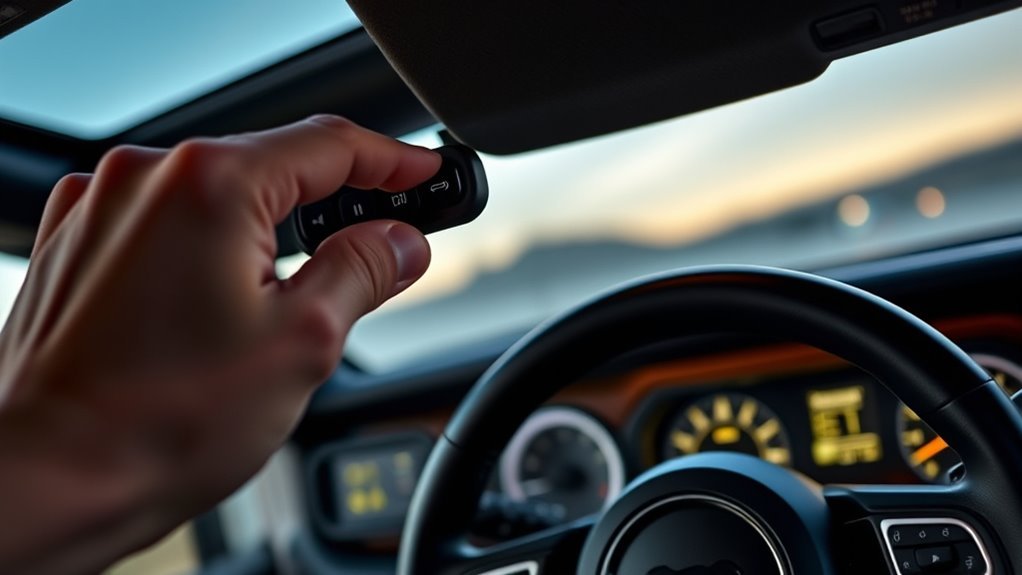
Before you can program your garage door opener to your Jeep Wrangler, you’ll need to clear any existing HomeLink settings. Start by pressing and holding the first and third HomeLink buttons simultaneously. Continue holding them until the orange indicator light begins to flash rapidly; this process usually takes about 20 seconds. Once the light blinks slowly and then shifts to a rapid flash, you’ve successfully cleared the previous codes.
It’s essential to perform this clearing method outside the garage to prevent any interference during programming. With the old HomeLink features erased, you’re now ready to program new garage door opener codes. This step is important for ensuring your Wrangler communicates effectively with your garage opener, providing you with the freedom to operate your garage effortlessly. Follow the specific pairing instructions next to complete the setup.
Pairing Your Genie Remote With Your Garage Door Opener
With your HomeLink settings cleared, you’re ready to pair your Genie remote with your garage door opener. First, verify the opener is powered on and within range of your Jeep Wrangler’s HomeLink system. Hold the Genie remote close to the HomeLink button you want to program. Press and hold the remote button until the HomeLink indicator light shifts from a slow blink to a rapid blink, signaling remote compatibility.
For newer Genie models, press the PROGRAM button on the garage door opener, then repeatedly press the HomeLink button until the door operates. If you have an older Genie opener, press the learn code button first, then press the HomeLink button until the operation is successful. These steps will help you utilize the programming tools effectively, giving you the freedom to control your garage door seamlessly.
Using the PROGRAM Button for Newer Openers
To program newer garage door openers with your Jeep Wrangler, you’ll utilize the PROGRAM button for a straightforward setup. This method simplifies the pairing process and enhances compatibility with various openers. Understanding the benefits of the PROGRAM button can streamline your experience and guarantee reliable operation.
Programming New Openers
Programming a newer garage door opener to your Jeep Wrangler can be straightforward if you follow the correct steps. First, park your vehicle outside the garage for ideal signal reception. Clear the HomeLink memory by pressing and holding the first and third buttons until the LED blinks rapidly. Next, hold your Genie remote close to the desired HomeLink button and press the remote until the LED changes from a slow to a rapid blink. Press the PROGRAM button on your Genie opener to finalize the pairing. Finally, press the HomeLink button several times until the garage door operates. Confirm compatibility with HomeLink and check for interference to maintain smart home integration and reliable garage safety features.
Benefits of PROGRAM Button
The PROGRAM button on newer Genie garage door openers offers a streamlined approach to syncing with the HomeLink system in your Jeep Wrangler. With its program button advantages, you simplify the syncing process, allowing direct communication without the hassle of manual code entry. Pressing this button activates the learning mode, enabling seamless integration with your HomeLink buttons. This often results in a quicker, more reliable connection compared to older methods. Designed specifically for modern models, the PROGRAM button guarantees compatibility with today’s garage door technology. By following the correct sequence of pressing the PROGRAM and corresponding HomeLink buttons, you assure successful programming, minimizing frustration and empowering you to enjoy effortless access to your garage.
Programming Older Genie Models With Learn Code
Begin by clearing the HomeLink system in your Jeep Wrangler, which sets the stage for programming older Genie garage door openers with the learn code feature. To do this, press and hold the first and third buttons until the LED blinks rapidly. Next, locate the learn code button on your Genie opener, usually found on the unit itself, and press it.
Return to your Jeep, then hold the desired HomeLink button until the LED flashes, indicating the programming process is underway. You may need to press the HomeLink button multiple times until the garage door operates, confirming successful programming.
Remember that for ideal operation, verify your Genie model is compatible with the HomeLink frequency. Also, keep your vehicle parked outside the garage during this process to avoid interference. With these steps, you’ll enjoy seamless access to your garage.
Troubleshooting Common Pairing Errors
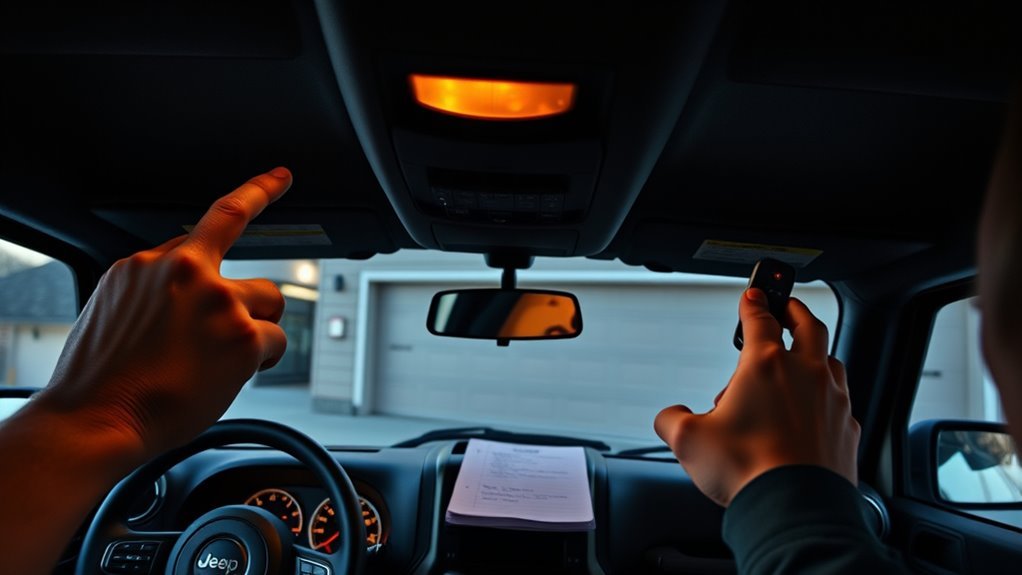
Troubleshooting common pairing errors can save you time and frustration during the programming process. First, check the HomeLink indicator light; if it doesn’t change from slow to rapid flashing, there may be an issue with HomeLink compatibility between your Jeep and the garage door opener. Next, verify your handheld remote has a new battery, as a weak battery can disrupt the programming. If pairing fails, try holding the HomeLink button closer to the remote for improved signal transmission. If you’ve tried multiple buttons without success, consider resetting the system by clearing all codes before attempting to pair again. Persistent issues might require consulting the manufacturer’s support or community forums for specific troubleshooting tips tailored to your garage door opener model. By addressing these common errors, you’ll streamline the pairing process and regain control of your garage access.
HomeLink Maintenance Tips
Maintaining your HomeLink system is essential for ensuring seamless operation with your garage door opener. Regularly check for HomeLink updates to stay compatible with newer garage door models. This helps prevent functionality issues that could hinder your access.
Periodically perform button cleaning to remove dirt and debris, ensuring the buttons remain responsive. A clean interface is key to smooth operations. If you face pairing issues, consider replacing the battery in your handheld garage door remote, as a weak battery can disrupt communication.
Refer to your vehicle owner’s manual for specific maintenance guidelines tailored to your HomeLink system. If problems persist, resetting HomeLink by clearing the codes can resolve interference or programming challenges, restoring your system’s efficiency. By keeping up with these maintenance tips, you empower yourself to enjoy hassle-free access to your garage.
Seeking Additional Support and Resources
If you need further assistance, don’t hesitate to contact technical support at 1-800-354-3643 for direct help. You can also explore online resources, including video guides and manufacturer-specific instructions, to enhance your understanding. Community forums are another excellent option for troubleshooting tips and shared experiences from other Jeep owners.
Contacting Technical Support
When programming your garage door opener to your Jeep Wrangler, what should you do if you encounter difficulties? Don’t hesitate to reach out for help. Here’s how to get the technical assistance you need:
- Call customer service at 1-800-354-3643 for specialized support.
- Consult your vehicle’s manual for specific troubleshooting steps.
- Visit the Genie and HomeLink websites for tailored resources on common issues.
- Engage with community forums to share experiences and tips with fellow users.
These steps can enhance your chances of successful programming and guarantee you’re not traversing this process alone. Remember, help is just a call or click away, so take advantage of these resources.
Online Resource Accessibility
Steering the programming process can sometimes be challenging, but numerous online resources are available to simplify your experience. You’ll find detailed vehicle-specific instructions for programming HomeLink in various Jeep Wrangler models, ensuring tailored guidance. Online tutorials, including video content, cater to visual learners and provide both general programming steps and manufacturer-specific instructions for garage door openers like Genie and Sommer. Easy resource navigation lets you quickly access these valuable training materials, enhancing your setup efficiency. Additionally, combining written instructions with video content accommodates different learning preferences, making the process accessible for everyone. Don’t hesitate to tap into community support or customer service for extra help, and consider checking your vehicle manual or manufacturer websites for further assistance.
Frequently Asked Questions
Can I Program Multiple Garage Doors to My Jeep Wrangler?
Yes, you can program multiple garage door types to your Jeep Wrangler, provided they’re compatible with your vehicle’s remote system. Just follow the programming steps for each door individually to guarantee seamless operation.
What if My Garage Door Opener Is Not a Genie Model?
If your garage door opener isn’t a Genie model, you can explore non-Genie options or use universal remotes. These alternatives often program easily and provide flexibility for various garage door systems.
Will Programming Erase My Jeep’s Other Homelink Settings?
No, programming won’t erase your Jeep’s other HomeLink settings. Confirm homelink compatibility with your garage door opener, and follow specific programming tips to maintain existing configurations while adding new ones efficiently.
How Do I Know if My Jeep Supports Homelink?
Check your Jeep’s owner’s manual or visit the manufacturer’s website to verify Homelink compatibility. Alternatively, inspect your vehicle features for a Homelink button or system, ensuring seamless integration with your garage door opener.
Is There a Limit to How Many Remotes I Can Program?
You can typically program up to three remotes, symbolizing freedom in your driveway. Each remote’s compatibility varies, so confirm your Jeep’s programming process aligns with the specific garage door opener you’re using.
Conclusion
Programming your garage door opener to your Jeep Wrangler can seem intimidating, but with the right steps, you’ll have it set up in no time. Remember, “a stitch in time saves nine”—taking the time to follow each step carefully saves you from future headaches. Regular maintenance of your HomeLink system guarantees smooth operation. If you hit a snag, don’t hesitate to seek additional support. Enjoy the convenience of seamless access to your garage!