
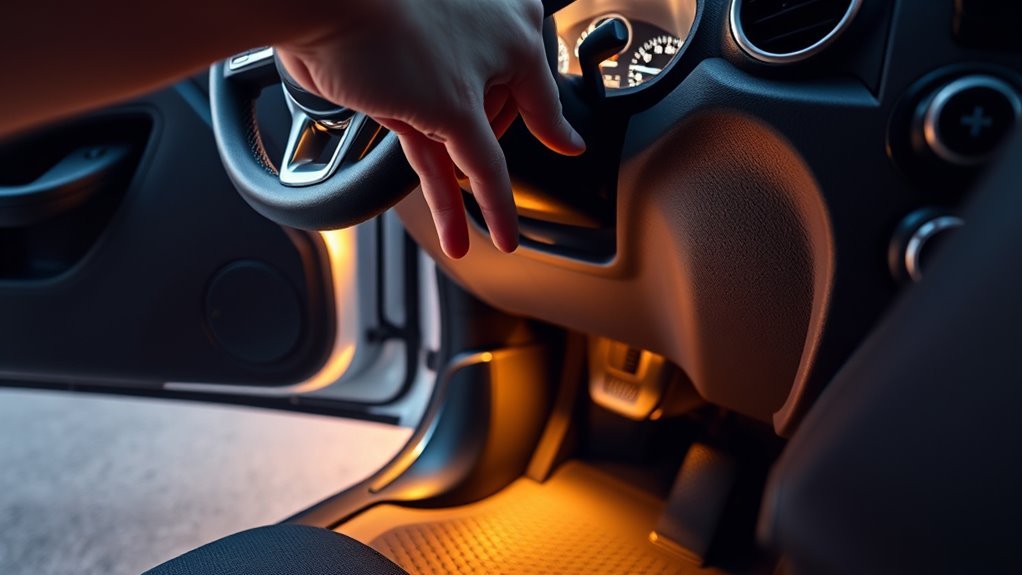
Jeep interior-light controls vary by model and year. Some Wranglers have a dome-defeat position on the instrument-panel dimmer, newer Grand Cherokees may have a dedicated overhead Dome Defeat button, and certain older Wranglers document a removable fuse for driving with the doors off. Start with the factory control for your exact vehicle rather than pulling a fuse or altering a door sensor.
Quick Answer
Use the factory control that matches your Jeep. Wrangler JK and JL models commonly use the dimmer’s lowest dome-defeat position, while newer Grand Cherokees may have a dedicated Dome Defeat button. Pressing a map-light lens controls only that lamp. Pull fuse #4 only when your exact owner’s manual identifies it.
Key Takeaways
- Confirm the model year before following any Jeep lighting or fuse procedure.
- Use a dedicated Dome Defeat button or the documented dimmer position before touching a fuse.
- A reading-light button or pushable lens normally controls one lamp, not the complete door-operated courtesy-light system.
- Fuse #4 is an older Wrangler procedure, not a universal fuse number for every Jeep.
- Do not tape, bypass, or unplug a door sensor to hide a genuine door-ajar fault.
At a Glance
| Time Required | 1–5 minutes for a factory control; 15–30 minutes for basic troubleshooting |
| Difficulty | Easy for factory controls; moderate for fuse identification or electrical diagnosis |
| Tools Needed | Owner’s manual, flashlight, and a plastic fuse puller only if the manual specifies a fuse procedure |
| Cost | Usually $0 for a control adjustment; diagnosis or latch repair varies |
Identify Your Jeep and the Light That Is On
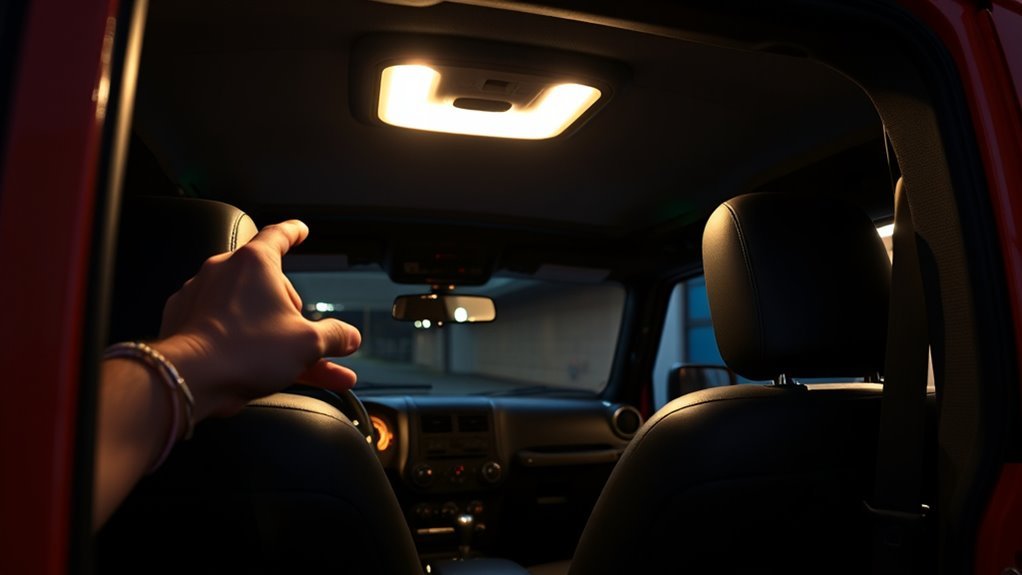
Before changing a setting, identify the Jeep’s model, model year, and generation. A Wrangler TJ, Wrangler JK, Wrangler JL, Grand Cherokee, Compass, Cherokee, Gladiator, and Wagoneer may use different controls even when the symptom looks identical.
The model year appears on the registration and driver-door certification label. You can also use the official NHTSA VIN Decoder to confirm information encoded in the 17-character VIN. Then check the “Interior Lights,” “Courtesy Lights,” or “Dimmer Control” section of the owner’s manual.
Also identify which lamp is on:
- Courtesy or dome lights: Turn on automatically when a door or liftgate opens.
- Map or reading lights: Usually have individual buttons or pushable lenses.
- Cargo light: Located near the rear cargo area and may respond to the liftgate.
- Ambient lights: Low-level accent lighting in the dash, doors, footwells, or cupholders.
- Door-ajar indicator: A cluster warning that shows which opening the vehicle believes is not fully latched.
Note: A pushable lamp lens may switch one reading light on or off without changing the automatic courtesy lights. Do not assume that every ceiling-lamp button is a system-wide override.
Use a Dedicated Dome Defeat Button When Equipped
Some newer Jeeps, including documented Grand Cherokee applications, have separate Dome ON and Dome Defeat buttons in the overhead console. This is the cleanest way to keep the courtesy lights off while a door or liftgate is open.
- Park the Jeep and switch the ignition off.
- Look at the overhead console near the front reading lights.
- Find the button marked with the dome-defeat symbol or identify it in the owner’s manual.
- Open a door so the courtesy lights come on.
- Press Dome Defeat. The door-operated interior lights should switch off.
- Press the control again when you want normal automatic operation restored.
The 2023 Jeep Grand Cherokee and Grand Cherokee L Owner’s Manual, for example, identifies a Dome Defeat button in the overhead console. That does not mean every Grand Cherokee or every Jeep uses the same panel.
Use the Dimmer’s Dome-Defeat Position on Applicable Wranglers
Many Wrangler JK and JL models use the instrument-panel dimmer as the door-open light defeat. The dimmer is normally located beside the headlight switch or on the multifunction lighting control, depending on the year.
- Open a door and confirm that the courtesy lights are on.
- Locate the instrument-panel dimmer described in the owner’s manual.
- Move or rotate the dimmer to its extreme-low position.
- Confirm that the automatic interior lights switch off.
- Move the dimmer out of the defeat position to restore normal door-operated lighting.
The 2024 Jeep Wrangler Owner’s Manual states that moving the dimmer to the extreme-bottom position turns the interior lights off while a door is open. Older documented Wrangler applications use similar wording, but the control’s physical location differs.
Pro Tip: Test the control with one door open and the ignition off. This makes it easy to confirm whether you found the true dome-defeat position instead of merely lowering the instrument-panel brightness.
Turn Off Individual Reading and Cargo Lights
If only one lamp remains on, it may have been switched on manually. Pressing the corresponding reading-light button or lens should turn that individual light off.
- Look for a lamp that is brighter than the other interior lights.
- Press its button or lens once.
- Check the rear reading lights and cargo lamp as well as the front overhead console.
- Close every door and the liftgate, then wait briefly to see whether the remaining courtesy lights fade out.
Pressing an individual lamp switch is not the same as activating a system-wide Dome Defeat control. If all courtesy lights still come on whenever a door opens, use the dimmer or dedicated defeat control specified for the vehicle.
Use Fuse #4 Only on an Older Wrangler Whose Manual Specifies It
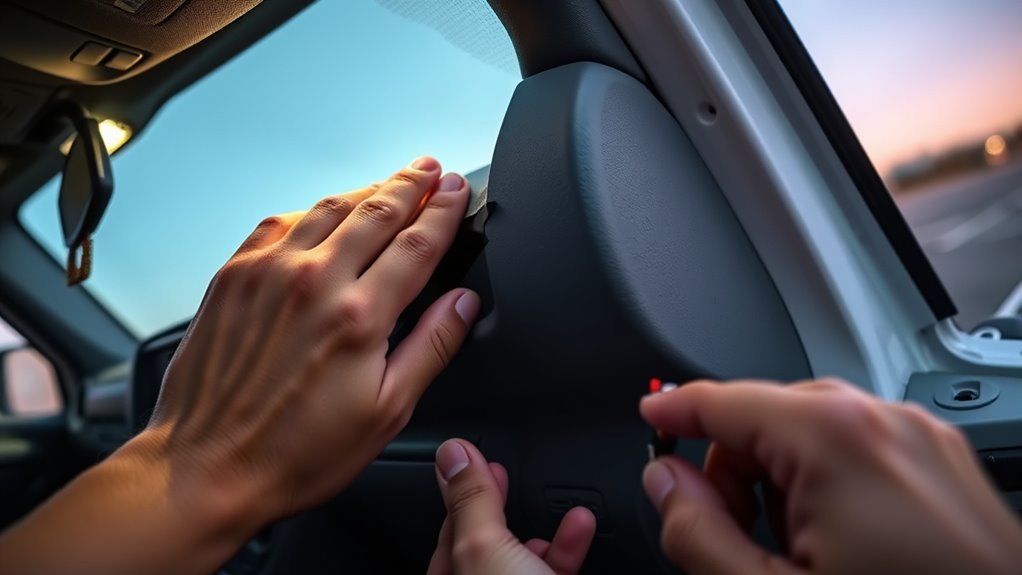
An official 2005 Jeep Wrangler Owner’s Manual documents removing fuse #4 to keep the interior lights off with the doors removed. That instruction applies to the fuse layout described in that manual. It is not a universal instruction for newer Wranglers, Grand Cherokees, or other Jeep models.
Warning: Never remove a fuse based only on its cavity number from a different model year. Fuse numbers and circuit assignments change. Removing a body-controller, lock, airbag, or communication fuse can disable unrelated functions or create diagnostic faults.
Confirm the Fuse Location and Description
Use this approach only when the exact owner’s manual or fuse-panel legend identifies a door-switch defeat or equivalent procedure:
- Park on level ground, select Park, apply the parking brake, and switch the ignition off.
- Remove the key or keep the key fob away from the vehicle.
- Open the correct fuse panel as directed by the manual.
- Read the fuse-panel legend and confirm both the cavity number and circuit description.
- Use the supplied plastic fuse puller to remove the specified fuse.
- Store the fuse in a labeled, dry location.
- Test the courtesy lights, locks, warning chimes, and door-ajar display before driving.
Follow Fuse Safety Precautions
- Do not probe the fuse socket with a screwdriver, test lead, or other metal object unless the service procedure specifically requires electrical testing.
- Never replace a fuse with one rated for more amperage than the fuse-panel legend specifies.
- Do not remove a modern Central Body Controller fuse merely to suppress courtesy lights.
- Reinstall the original fuse before diagnosing an unrelated electrical problem.
- On a Jeep 4xe, stay away from orange high-voltage cables, connectors, batteries, and service disconnects. Interior-light troubleshooting should remain limited to documented controls and ordinary 12-volt components.
Do Not Tape or Unplug Door Sensors as a Routine Fix
Taping a visible door-jamb plunger was once a common temporary trick, but it is not a good general repair. Some modern Jeeps use a switch built into the door latch rather than a separate exposed plunger. The signal may also affect the alarm, power locks, retained accessory power, remote start, interior lighting, and door-ajar warnings.
Do not unplug an unidentified latch or door connector just to keep the lights dark. A disconnected connector can:
- Make the vehicle report the wrong door state
- Disable a power lock, window, mirror, or speaker
- Interfere with the alarm or remote-start logic
- Store body-control diagnostic trouble codes
- Allow moisture or corrosion into an unsealed connector
If the vehicle incorrectly thinks a closed door is open, repair the underlying latch, switch, connector, alignment, or wiring problem instead of concealing the symptom.
Troubleshoot Jeep Interior Lights That Stay On
If the lights remain on after all doors are closed, work through these checks in order.
1. Check Every Manually Switched Lamp
Press each front and rear reading-light switch once. Check the cargo lamp and any removable flashlight or accessory light. A manually switched reading lamp may stay on independently of the door-operated courtesy-light system.
2. Check the Dimmer or Dome ON Control
A dimmer left in its top detent or a Dome ON button left active can command all interior lights to remain on. Move the dimmer back into its normal range or switch Dome ON off.
3. Check the Door-Ajar Display
Look at the instrument cluster for a door, liftgate, swing gate, or rear-glass warning. Open and firmly close each opening one at a time. If the warning disappears after operating one particular door, focus the diagnosis on that latch and its wiring.
4. Check the Liftgate, Swing Gate, and Rear Glass
A cargo-area switch can keep courtesy lights on even when all side doors appear closed. Remove anything caught in the latch, confirm the gate is fully seated, and inspect the latch area for dirt, ice, or obvious damage.
5. Observe the Battery-Saver Timeout
Some Jeeps switch the interior lights off automatically after a set period. For example, the 2023 Grand Cherokee manual describes a 10-minute interior-light timeout with the ignition off. Other models may use a different period or logic.
If the lights never time out, the battery repeatedly goes flat, or the cluster displays a battery-saver message, arrange a proper battery, charging-system, and parasitic-draw test.
6. Check Aftermarket Equipment
Alarm systems, remote starters, audio equipment, auxiliary switches, trackers, and lighting kits may connect to a door-trigger or courtesy-light wire. If the symptom began after installation, have the installer verify the interface, grounds, isolation diodes, and programmed settings.
Test Door Switches, Latches, and Wiring Safely
Basic observation is safe for most owners. Circuit-level testing should follow the correct wiring diagram because modern courtesy lights are often commanded by a body-control module rather than a simple stand-alone switch.
- Operate each opening separately: Watch the door-ajar display while opening and closing one door at a time.
- Inspect the latch area: Look for dirt, ice, damage, loose fasteners, or a door that does not sit flush.
- Inspect accessible wiring boots: Look for obvious cuts, crushed insulation, or a connector that has pulled apart. Do not pierce insulation with an unsealed test probe.
- Check connector seating: With the ignition off, visually confirm that accessible connectors are fully latched. Do not disconnect airbag, high-voltage, or unidentified connectors.
- Use scan data when needed: A qualified technician can view each door’s reported open/closed state and check body-control fault codes.
Do not solder, add grounds, or splice a door circuit without the correct service information. A poor splice can introduce resistance or corrosion and create intermittent problems that are harder to diagnose than the original fault.
Will the Interior Lights Drain the Battery?
Interior lights can discharge a 12-volt battery if they remain powered long enough, especially when the battery is old, cold, partly discharged, or used for repeated short trips. The exact time cannot be predicted from the lamp alone because battery capacity, state of charge, temperature, lamp load, and battery-saver programming all matter.
Many Jeeps include a battery-saver timeout, but it should not be treated as a substitute for repairing a light that remains on abnormally. After loading gear or working with the doors open, confirm that the lamps are off before leaving the vehicle.
The safest solution is the factory dome-defeat control for the exact Jeep—not an unverified fuse, taped sensor, or disconnected latch.
When to Get Professional Help or Replacement Parts
Seek professional diagnosis when the lights stay on with every opening closed, the door-ajar display is wrong, a fuse repeatedly blows, the battery goes flat, several body functions fail together, or the problem began after water entry or accessory installation.
Check Warranty Coverage
Review the warranty booklet supplied with the Jeep before modifying wiring or replacing parts. Current U.S. new-vehicle Jeep coverage commonly includes a three-year/36,000-mile Basic Limited Warranty, but the booklet for the specific vehicle and in-service date controls. See Mopar’s current model-year coverage for general information.
A modification does not automatically cancel an entire U.S. vehicle warranty. However, coverage for a related repair may be denied when damage was caused by an alteration, incorrect part, or improper installation. The Federal Trade Commission’s warranty guidance explains the general consumer rules; the written vehicle warranty remains the controlling document.
Visit an Authorized Jeep Dealer
A Jeep dealer is a sensible choice when the vehicle is under warranty, software updates may be involved, or factory scan data is needed. Ask the service department to document:
- The door or liftgate input that remains active
- Stored body-control fault codes
- Any software updates or service information applied
- The replaced part number
- The warranty status and written estimate
Consult an Auto Electrician
An experienced automotive electrical shop may be more suitable for intermittent wiring faults, water intrusion, parasitic-draw testing, or problems involving an aftermarket alarm or remote starter. Confirm that the shop has wiring-diagram access and a scan tool that can read Jeep body-control data.
Frequently Asked Questions
Can a key fob turn the Jeep dome lights off remotely?
There is no dependable universal key-fob command that defeats door-operated interior lights on every Jeep. Unlock and Panic functions commonly turn interior lights on. Use the cabin’s documented Dome Defeat button or dimmer setting instead.
Will Jeep interior lights drain the battery if left on overnight?
They can, although many models have a battery-saver timeout. Discharge risk depends on battery health, temperature, state of charge, lamp load, and the vehicle’s programmed timeout. Do not rely on the timeout when the lights are behaving abnormally.
Do the headlights affect the dome lights when a door is open?
The exterior-light setting can affect instrument-panel and ambient-light dimming, but it is not a universal door-open dome-light defeat. Automatic courtesy-light behavior is controlled by the Jeep’s dimmer detent, Dome Defeat switch, door inputs, and body-control programming.
Do Jeep fuse locations change by model year?
Yes. Fuse-panel locations, cavity numbers, amperage ratings, and circuit assignments can change between Jeep models and generations. Fuse #4 is documented for a specific older Wrangler arrangement and must not be assumed to apply to a newer Jeep.
Can an aftermarket alarm or remote starter keep the lights on?
Yes. An accessory connected incorrectly to a door-trigger or courtesy-light circuit can hold the input active, backfeed the circuit, or prevent normal timeout behavior. Have the installer check the interface and programmed settings.
Why does only one Jeep reading light stay on?
The individual lamp was probably switched on manually. Press its button or lens once. If it will not switch off, the lamp switch, overhead-console assembly, connector, or control circuit may need diagnosis.
Conclusion
To keep Jeep interior lights off with the doors open, use the control designed for the exact vehicle. That may be a Wrangler dimmer’s lowest position, an overhead Dome Defeat button, or—on a documented older Wrangler—a specific fuse procedure. Do not assume that a lamp lens or fuse number works the same across every model year. If the lights stay on after all openings are closed, check the manually switched lamps and door-ajar display before arranging latch, wiring, body-control, or battery-drain diagnosis.
Sources
- National Highway Traffic Safety Administration VIN Decoder — verifies vehicle information encoded in the VIN.
- 2024 Jeep Wrangler Owner’s Manual — documents Wrangler courtesy-light, reading-light, dimmer, and fuse information.
- 2023 Jeep Grand Cherokee and Grand Cherokee L Owner’s Manual — documents the overhead Dome Defeat control and battery-saver behavior.
- 2005 Jeep Wrangler Owner’s Manual — documents the older Wrangler fuse #4 procedure.
- Mopar Current Model-Year Warranty Coverage — provides current general Jeep warranty terms.
- Federal Trade Commission Warranty Guidance — explains general U.S. consumer warranty principles.



Leave a Reply