
Programming a Jeep’s built-in HomeLink garage door opener without the original handheld remote is possible only in limited cases. Most systems need a transmitter signal before the opener’s Learn button can finish the pairing. A removable wireless keypad can often substitute for the remote, while D-Mode works only with specific openers and HomeLink versions.
Quick Answer
You usually cannot program Jeep HomeLink by pressing only the garage opener’s Learn button. Use a compatible handheld remote or a removable wireless keypad to teach HomeLink first. Direct remote-free D-Mode is available only when the instructions for your exact Jeep and opener specifically call for it.
Key Takeaways
- The Learn button normally completes rolling-code pairing; it does not replace the first signal-training step.
- A removable wireless keypad can often serve as the transmitter when the original remote is missing.
- Do not erase all HomeLink channels unless you are setting up the system for the first time or clearing it before selling the Jeep.
- Use the ignition position listed in your Jeep owner’s manual; many Jeep procedures call for ON/RUN rather than ignition off.
- Keep the Jeep outside the garage and keep people, pets, and objects clear because the door may move during programming.
At a Glance
| Time Required | About 5–15 minutes |
| Difficulty | Easy, but the final rolling-code steps are time-sensitive |
| Tools Needed | Jeep with HomeLink, opener access, removable wireless keypad or supported D-Mode; a sturdy stepladder may be needed |
| Cost | $0 with an existing compatible keypad; otherwise the cost of a compatible replacement transmitter or bridge |
Understanding HomeLink Programming and Its Functionality
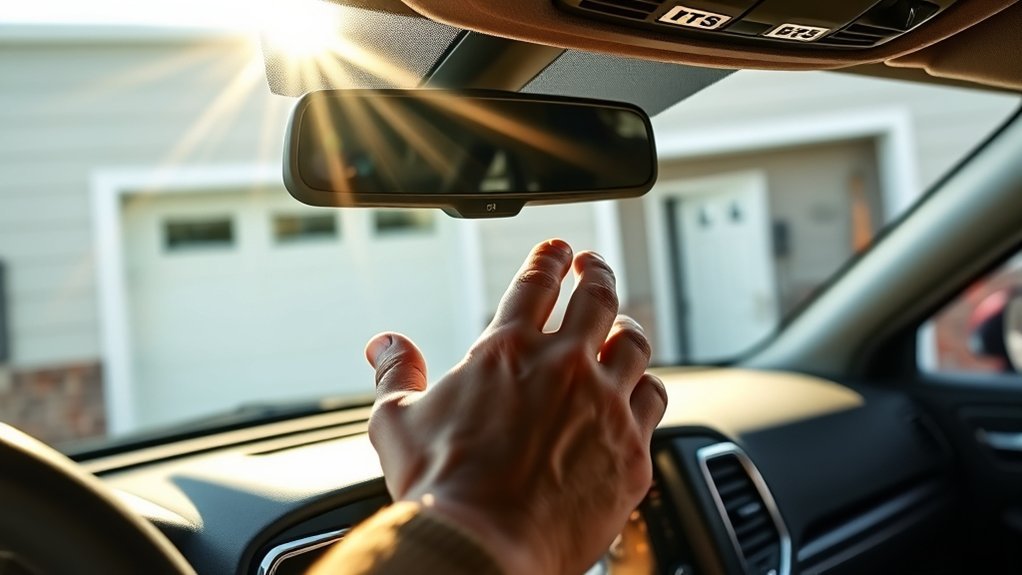
HomeLink is a vehicle-based radio-frequency transceiver that can operate compatible garage doors, gates, locks, and other supported devices. In a typical garage-door setup, HomeLink first learns the signal from the original handheld transmitter. If the opener uses a rolling code, you then press the opener’s Learn, Smart, or Program button to authorize the Jeep as a new transmitter.
This distinction matters because the Learn button does not usually send the signal HomeLink needs for its first training step. According to HomeLink’s official support guidance, a system without a handheld transmitter normally needs a wireless keypad instead. A small number of supported combinations use D-Mode, but only when the vehicle- and opener-specific instructions explicitly say to use it.
The opener’s Learn button usually completes rolling-code pairing; it does not replace the transmitter or keypad that teaches HomeLink the original signal.
Note: HomeLink equipment and button location vary by Jeep model, trim, and year. Check the HomeLink Jeep vehicle guide and your exact manual through the official Mopar owner’s manual finder before starting.
Step-by-Step Programming Without a Remote
Use the method that matches the equipment you actually have. Do not assume that pressing the motor’s Learn button alone will program HomeLink.
Method 1: Use a Removable Wireless Keypad
This is the most practical no-handheld-remote method when a compatible exterior keypad is already paired with the opener and can be removed from its mounting plate.
- Confirm the keypad works. Close the garage door, stand outside, enter the PIN, and verify that the keypad operates the door.
- Park the Jeep outside the garage. Keep the door opening clear. Set the ignition to the position required by your Jeep manual, commonly ON/RUN without starting the engine.
- Clear HomeLink only if appropriate. For first-time setup, press and hold the two outer HomeLink buttons until the indicator changes to a rapid flash. Skip this step when adding another device or replacing only one programmed button.
- Bring the keypad into the Jeep. Hold it a few inches from the HomeLink buttons while keeping the HomeLink indicator visible.
- Teach HomeLink the keypad signal. Enter the keypad PIN. Then press and hold the keypad’s Enter button and the chosen HomeLink button at the same time. Release both when the HomeLink light changes from a slow flash to a rapid flash or solid light.
- Check the indicator. A solid light generally indicates a fixed-code device and may mean programming is complete. A rapid flash usually means a rolling-code opener needs the final Learn-button steps.
- Activate the opener’s Learn mode. Press and release the Learn, Smart, or Program button on the motor head. Do not hold it down.
- Finish within the opener’s time window. Return to the Jeep and press and release the trained HomeLink button for about two seconds. Repeat up to three times if needed, following the timing in the Jeep and opener manuals.
- Test operation. Press the programmed HomeLink button and confirm that the door opens and closes normally.
Pro Tip: A helper can press the opener’s Learn button while you remain in the Jeep. This makes the time-sensitive rolling-code step easier and reduces the urge to rush on a ladder.
Method 2: Use D-Mode Only When Specified
D-Mode is a direct-programming process used with only certain HomeLink and opener combinations. It does not use the original handheld remote, but it is not a universal setting. The button sequence also differs between physical HomeLink buttons and virtual buttons shown on a vehicle display.
- Use the official HomeLink vehicle programming tool to select the exact Jeep model and model year.
- Identify the garage door opener brand, model, and Learn-button color.
- Use D-Mode only when the resulting instructions specifically name it.
- Follow the displayed sequence exactly, then complete any Learn-button synchronization required by the opener.
Warning: Do not experiment with undocumented HomeLink button combinations. Pressing and holding the opener’s Learn button too long can erase existing remotes and keypads from the opener’s memory.
What If You Have No Remote, Keypad, or Supported D-Mode?
In that situation, direct programming usually is not possible. Obtain a compatible replacement transmitter from the opener manufacturer or an authorized dealer, pair it with the opener, and then use it to train HomeLink. Do not buy a remote based only on brand name or appearance; frequency, security protocol, model number, and Learn-button color all matter.
Some Chamberlain, LiftMaster, Craftsman, or Raynor Security+ 2.0 combinations may need a HomeLink Compatibility Bridge, especially with an older HomeLink generation. HomeLink also states that Security+ 3.0 openers must be trained with the original compatible transmitter rather than directly at the motor head.
What to Do If Programming Fails?
If HomeLink does not work after programming, identify where the process stopped instead of repeatedly clearing every channel. The indicator light gives useful clues.
| Symptom | Likely Cause | What to Do |
|---|---|---|
| HomeLink keeps flashing slowly | It did not learn the transmitter or keypad signal | Move the transmitter or keypad closer, change its angle, verify the PIN, and retry. Use a fresh remote battery when a handheld transmitter is available. |
| The light flashes rapidly, but the door does not move | The first training step succeeded, but rolling-code authorization is incomplete | Press and release the opener’s Learn button, then press the trained HomeLink button as directed within the available time window. |
| The opener erased other remotes | The Learn button was held too long | Re-enroll each remote and keypad using the opener manufacturer’s instructions. During HomeLink setup, press and release Learn like a doorbell. |
| HomeLink works only at very close range | Radio interference, antenna position, weak training signal, or incompatible equipment | Straighten the opener antenna, retrain HomeLink, and temporarily switch off suspect LED bulbs. Replace them with bulbs approved by the opener manufacturer. |
| Nothing happens when a HomeLink button is pressed | Wrong ignition mode, HomeLink not equipped, blown vehicle circuit, or button not trained | Confirm the feature is equipped, use the manual-specified ignition mode, and repeat the correct training procedure. |
Avoid recommending a specific replacement remote, such as a Chamberlain 953D, without checking the opener’s exact compatibility information. A remote that works with one opener generation may not work with another.
Get Your Jeep Ready for Programming
Preparation prevents most failed attempts and reduces the chance of injury or accidental memory loss.
Ensure Vehicle Readiness
- Park outside the garage. Keep the Jeep out of the door’s path and leave enough room to move safely between the vehicle and opener.
- Use the correct ignition setting. Do not assume the ignition should be off. Check the exact Jeep manual; many Jeep HomeLink procedures use ON/RUN without starting the engine.
- Keep the area clear. Move people, pets, vehicles, tools, and stored items away from the moving door.
- Use safe access equipment. If the Learn button is high, use a stable stepladder on a level surface. Never stand on the Jeep.
- Know which button you are changing. Clearing the outer two buttons erases all HomeLink channels. To replace one device, use the single-button reprogramming procedure in the manual.
Warning: Do not use HomeLink with a garage door opener that lacks working entrapment protection and automatic reversal. Automatic residential garage door operators sold in the United States are covered by 16 CFR Part 1211 safety requirements.
Confirm Garage Opener Compatibility
Record the opener brand, model number, approximate manufacturing date, Learn-button color, and antenna color. These details help identify the radio protocol and whether a compatibility bridge or special procedure is required.
- Fixed-code opener: HomeLink may work after it learns the remote or keypad signal; there may be no Learn button.
- Rolling-code opener: HomeLink must learn the transmitter or keypad signal first, then be authorized at the opener motor.
- Security+ 2.0 opener: Some older HomeLink systems need a compatibility bridge.
- Security+ 3.0 opener: Follow the current manufacturer instructions; HomeLink says these systems require the original compatible transmitter for secure training.
- D-Mode device: Use direct programming only when HomeLink’s exact instructions specify D-Mode.
Key Tips for HomeLink Programming Success
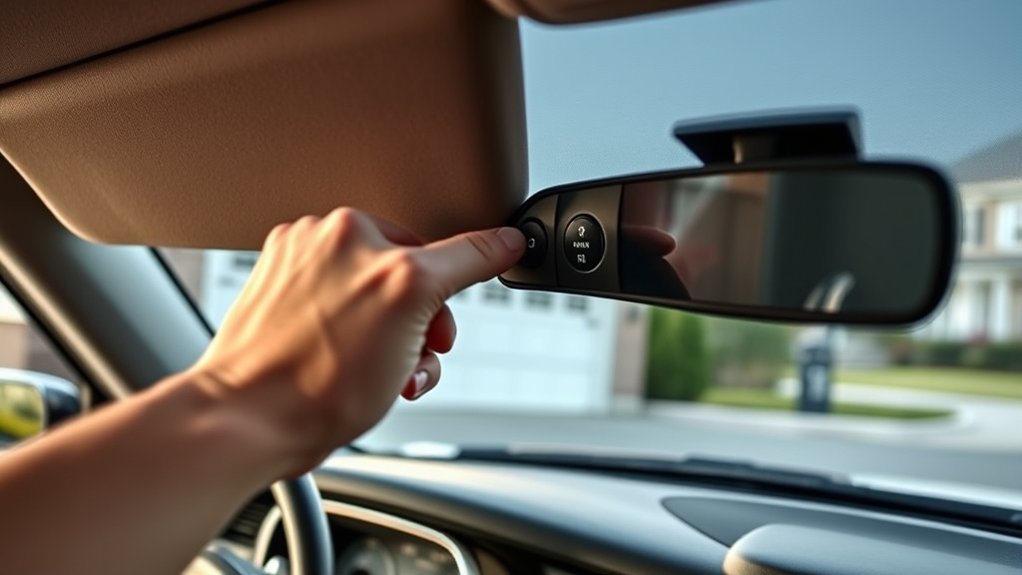
- Start with model-specific instructions. Jeep ignition requirements and HomeLink button behavior can vary by model year.
- Do not clear channels unnecessarily. Erase all channels only for first-time setup, a full reset, or before selling or returning the vehicle.
- Train the signal before using Learn mode. A remote, removable keypad, or supported D-Mode normally provides the first signal.
- Press and release the Learn button. Holding it can erase the opener’s stored devices.
- Watch the HomeLink indicator. Slow flashing means it is still learning; rapid flashing commonly signals that rolling-code finalization is needed; a solid light commonly indicates fixed-code training is complete.
- Repeat only the required final press. Some procedures call for pressing the HomeLink button two or three times after Learn mode. Follow the exact Jeep and opener instructions.
Pro Tip: If the indicator never changes from a slow flash, stop and verify that the keypad or remote is compatible before repeating the same steps. Repeated attempts cannot overcome a protocol mismatch.
How to Keep Your HomeLink System in Top Shape
HomeLink does not need routine mechanical maintenance, but a few checks can prevent range and security problems.
- Use opener-approved bulbs. Some LED bulbs create radio-frequency interference. You do not need to switch automatically to incandescent bulbs; choose an LED specifically approved by the opener manufacturer.
- Keep the opener antenna straight. A folded or obstructed antenna can reduce operating range.
- Test the garage door’s reversal system. Follow the opener manufacturer’s inspection and test schedule, and repair a failed safety system before using HomeLink.
- Keep a compatible transmitter available. It simplifies retraining after vehicle service, opener replacement, or memory loss.
- Erase HomeLink before transferring the Jeep. Hold the two outer buttons as directed in the owner’s manual so the next owner cannot operate your garage door.
Frequently Asked Questions
Can I program Jeep HomeLink using only the garage opener’s Learn button?
Usually not. The Learn button generally authorizes a rolling-code connection after HomeLink has learned a signal from a compatible handheld remote or removable wireless keypad. Direct D-Mode works only with specifically supported systems.
Can a wireless keypad replace the missing remote?
Often, yes. If the keypad is compatible, already operates the door, and can be removed from the wall, bring it into the Jeep. Enter the PIN and hold its Enter button while holding the selected HomeLink button until the indicator changes.
Should the Jeep ignition be on or off during programming?
Use the position listed in the owner’s manual for your exact model and year. Many Jeep procedures call for ON/RUN without starting the engine, so a blanket instruction to turn the ignition off is unreliable.
Do I need to erase all HomeLink buttons before programming?
No. Erase all channels only for first-time setup, a full reset, or before selling the Jeep. When adding a second or third device, skip the erase step. Use the single-button reprogramming procedure to replace only one stored device.
Why does HomeLink flash rapidly but not open the door?
A rapid flash commonly means HomeLink learned the rolling-code signal but has not completed authorization at the opener. Press and release the motor’s Learn button, then complete the timed HomeLink presses listed in both manuals.
Can LED garage-opener bulbs interfere with HomeLink?
Yes. Some LED bulbs can reduce range or cause intermittent operation. Temporarily turn the bulbs off to test for interference, then install bulbs approved by the garage door opener manufacturer.
Conclusion
Programming a Jeep garage door opener without the original handheld remote is not a simple Learn-button shortcut. The reliable alternatives are a compatible removable keypad or D-Mode when HomeLink specifically supports it. If neither option applies, obtain the correct replacement transmitter or compatibility hardware. Follow the exact Jeep and opener manuals, protect the door’s safety systems, and clear stored HomeLink codes before transferring the vehicle.
Sources
- HomeLink Generic Training Instructions — standard transmitter training, rolling-code steps, clearing, and reprogramming.
- HomeLink Support and FAQs — keypad training, no-transmitter limitations, D-Mode, LED interference, warnings, and newer compatibility notes.
- HomeLink Jeep Programming Guide — supported Jeep models and model-specific programming resources.
- Official Mopar Jeep Owner’s Manual Finder — model- and year-specific ignition, clearing, and programming instructions.
- U.S. Consumer Product Safety Commission: Automatic Residential Garage Door Operators — federal safety standard and entrapment-protection requirements.
- Chamberlain HomeLink Compatibility Bridge — Security+ 2.0 bridge purpose and compatibility limits.

Leave a Reply